L Blog
Tessera Launcher Minecraft with your modpacks, friends and servers in one app
A Minecraft launcher for macOS, Windows and Linux that installs modpacks from Modrinth, shares them with friends and starts a server from any instance.
Playing modded Minecraft with friends usually means one person builds a modpack, everyone else copies the same mods by hand, and somebody still ends up on the wrong version. Then you want a server for it, and that’s a whole other tool. Tessera Launcher puts all of that into one app: your instances, the mods from Modrinth, your friends and your servers.
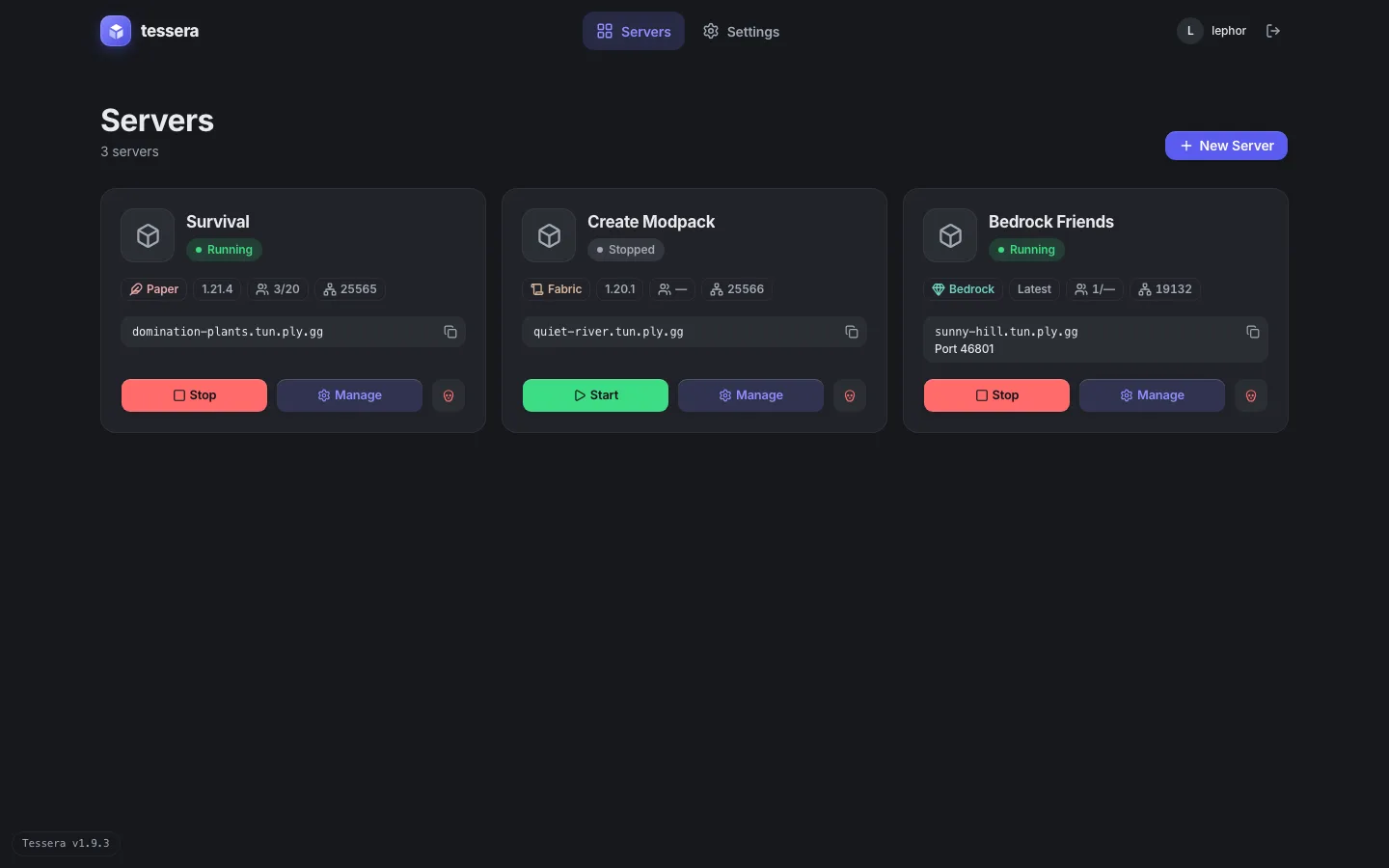
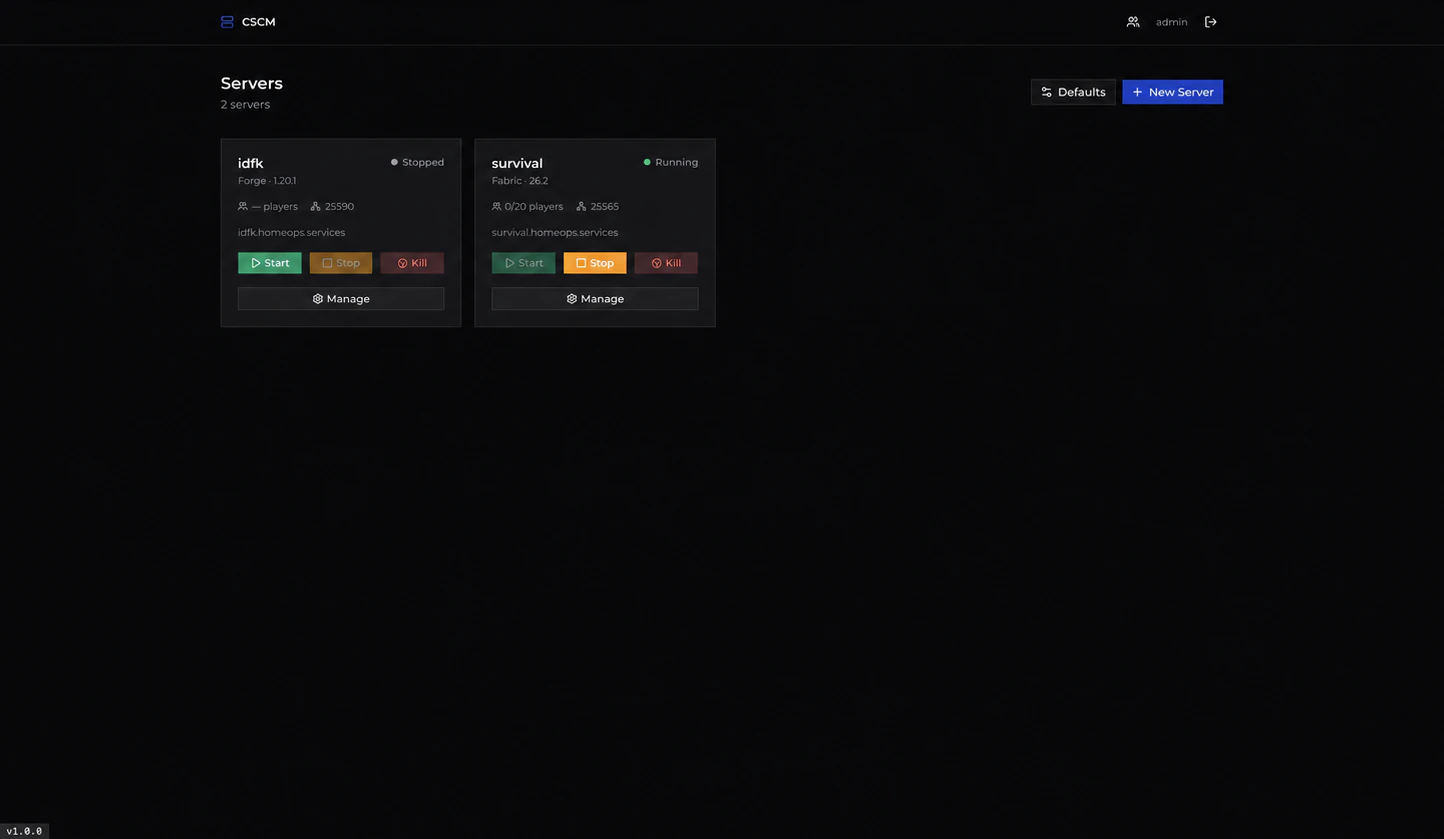
It runs on macOS, Windows and Linux, and you can get it from tesseralauncher.com. It’s the next step of Tessera, the server manager that used to be called CSCM, and I’m building it together with Nanoriddler.
Play anything
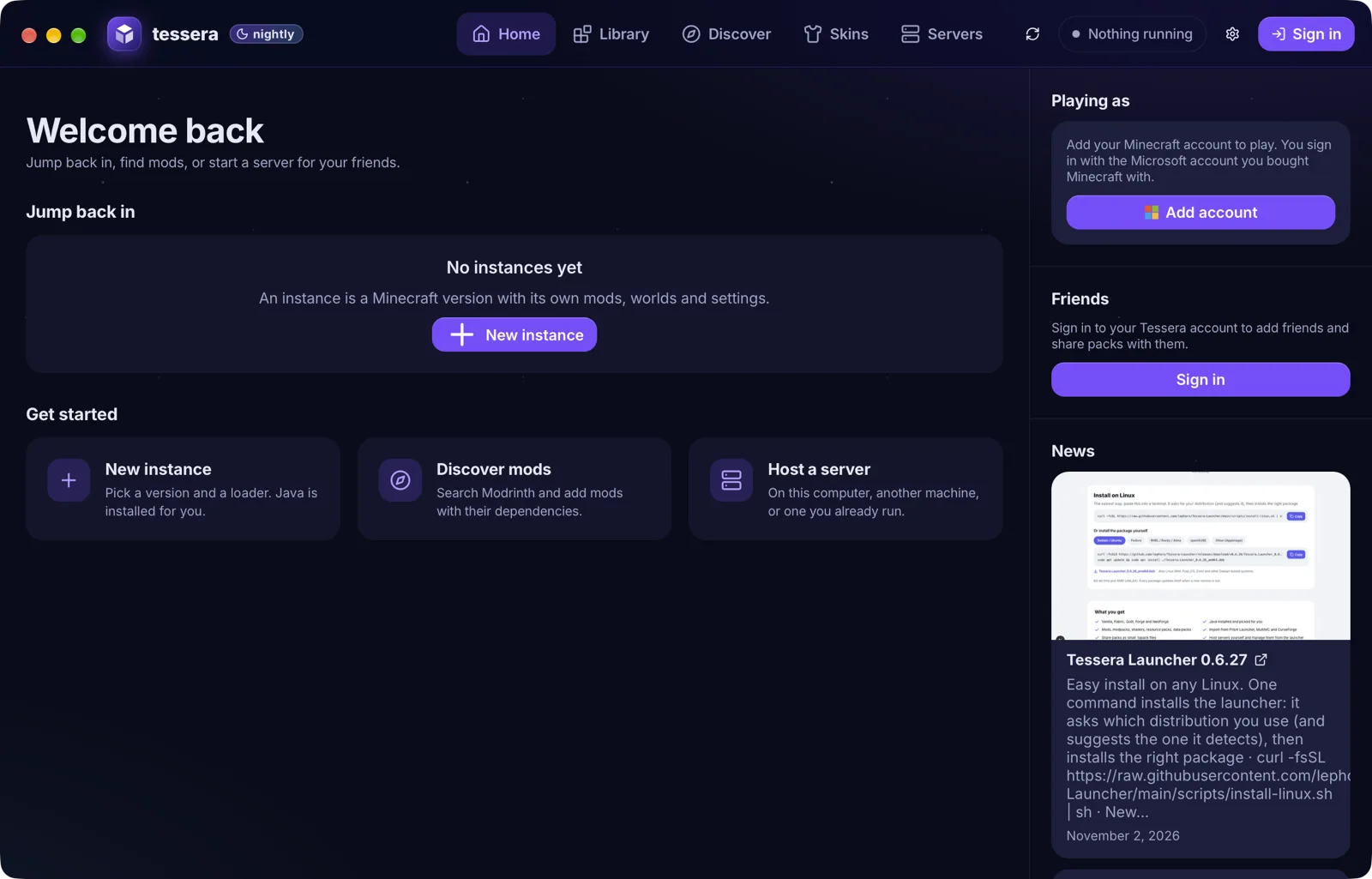
An instance is a Minecraft version with its own mods, worlds and settings. Pick Vanilla, Fabric, Quilt, Forge or NeoForge and a version, and Tessera sets it up. Java is installed for you, so there’s nothing else to download first.
Mods from Modrinth
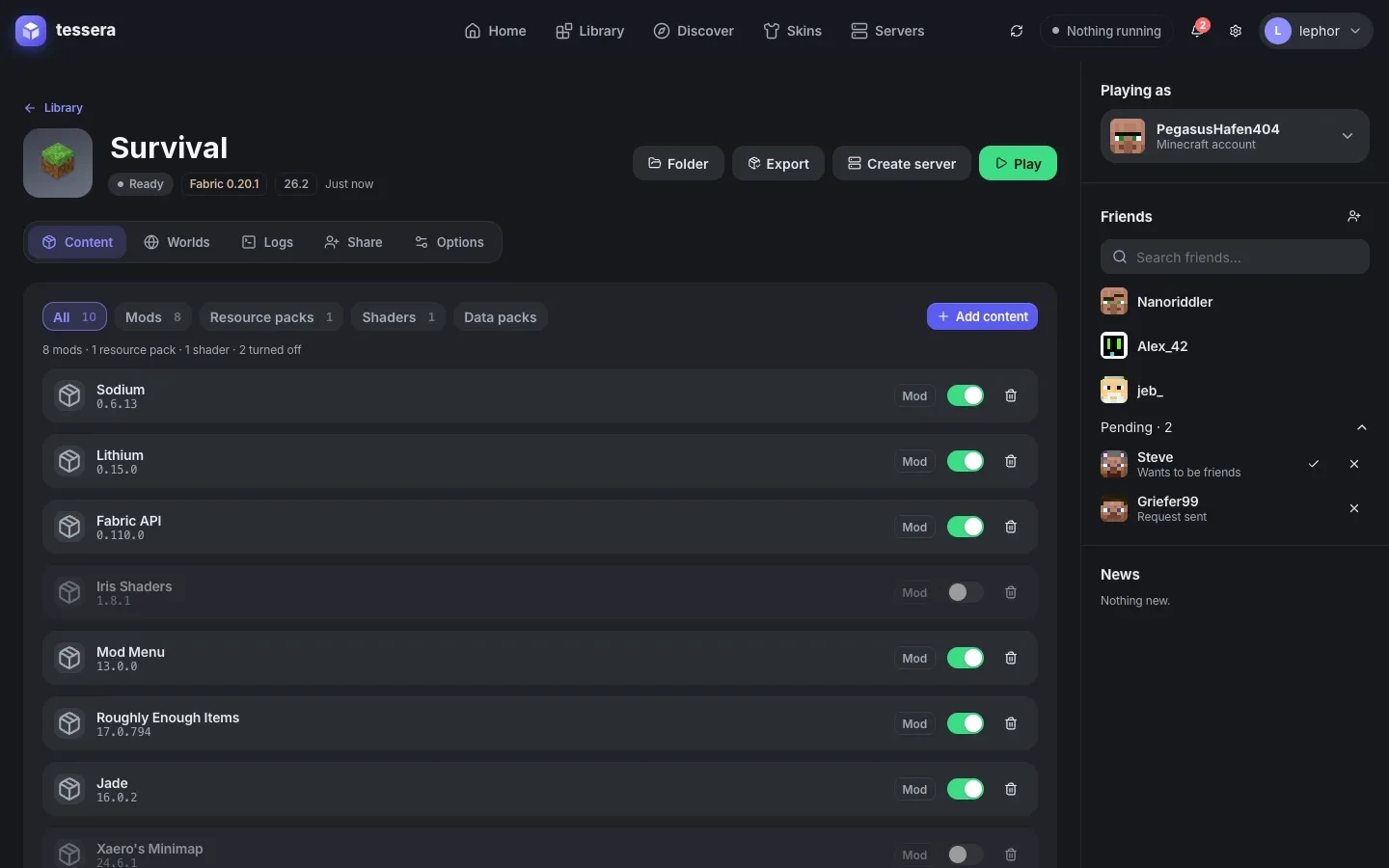
Discover searches Modrinth for mods, resource packs, shaders and data packs, and adds them together with their dependencies. Each instance has a content list where you turn things on and off, switch to another version of a mod or remove it. Modpacks come in as .mrpack, and instances from Prism Launcher, MultiMC or CurseForge can be imported.
Share a pack with friends
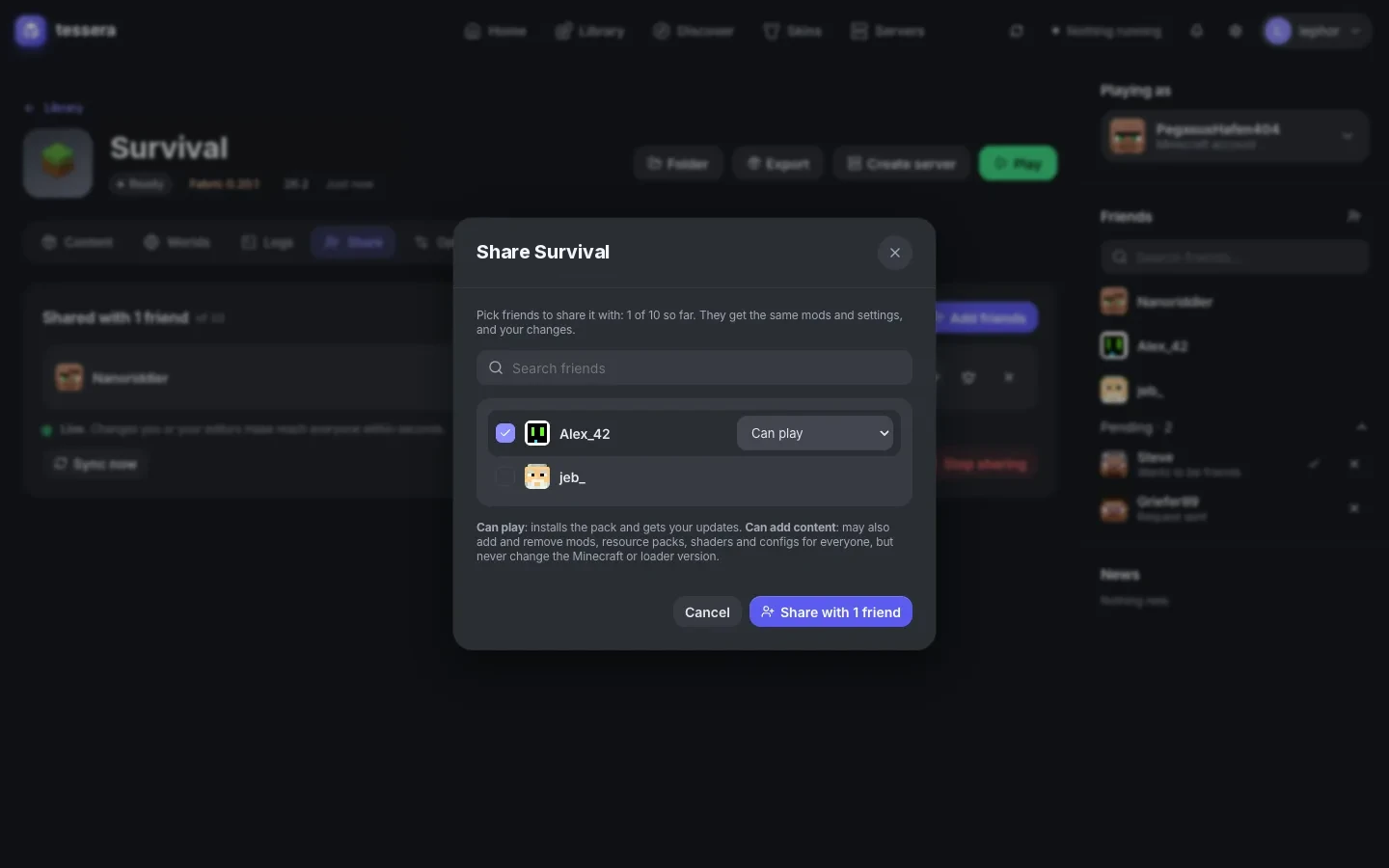
This is the part I wanted most. With a Tessera account you add friends by username and share an instance with them. They get the same mods and settings, and every change you make reaches them within seconds. You decide what each friend can do: Can play just installs the pack and keeps it updated, Can add content also lets them add and remove mods for everyone. You can also share a pack with a link, or hand it over to someone else entirely.
Tessera accounts are invite-only while it’s in beta, so you need an invite link from someone who’s already in. The launcher itself works without one; to play you sign in with the Microsoft account you bought Minecraft with.
Host a server
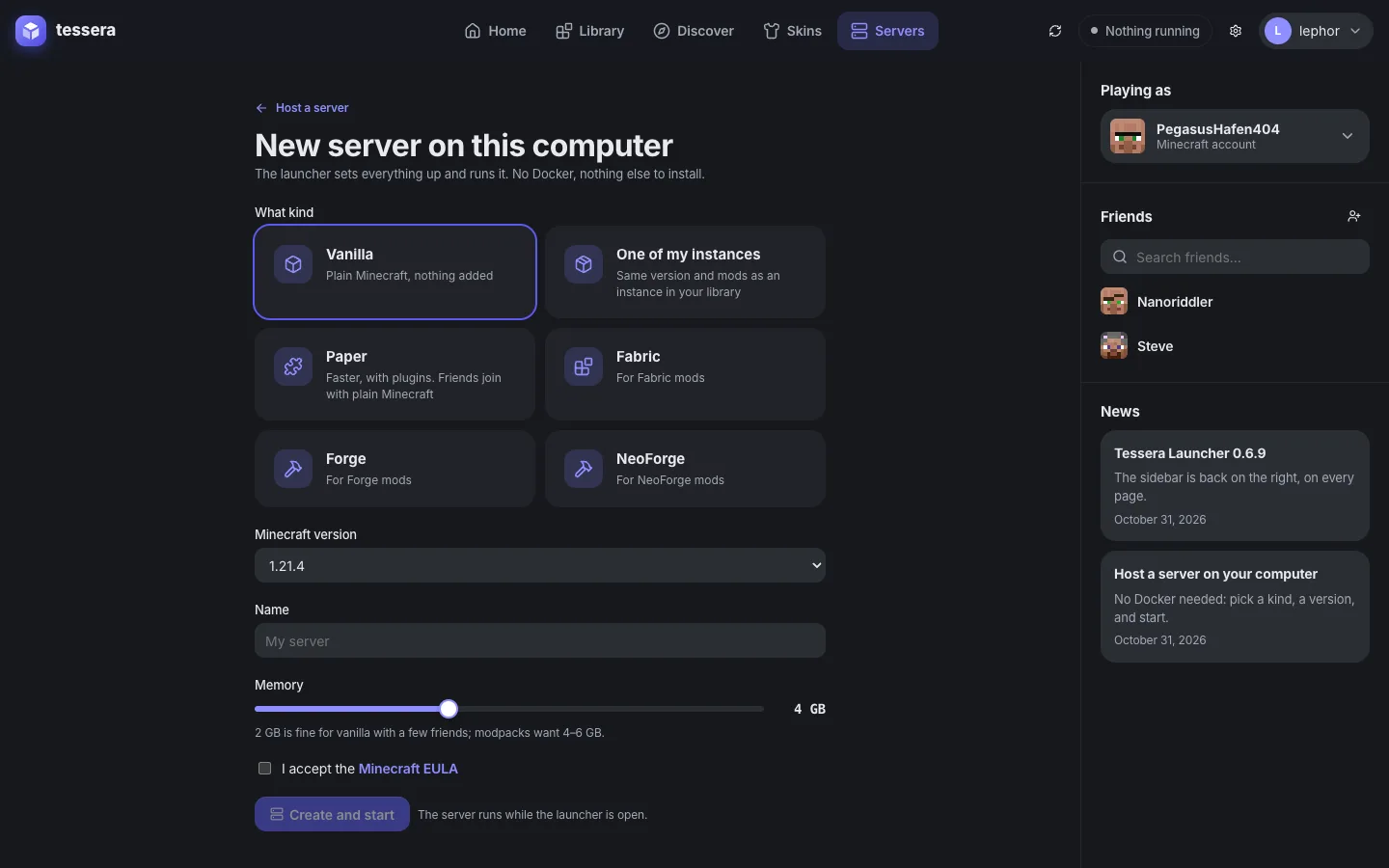
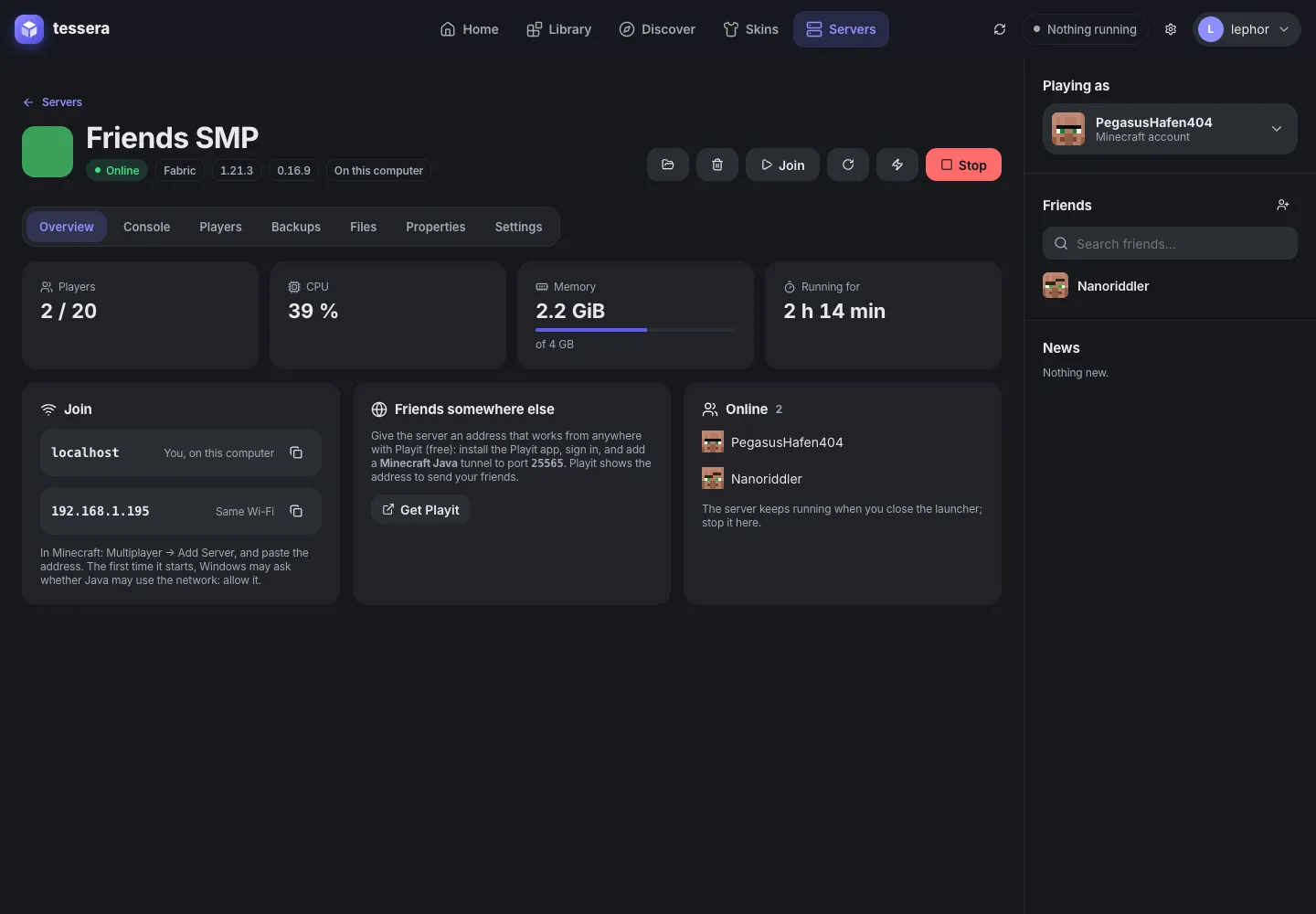
Servers → New starts a Minecraft server right on your computer: Vanilla, Paper, Fabric, Forge, NeoForge, or one of your own instances with the same version and mods. No Docker, nothing else to install.
The server page shows the players, CPU, memory and how long it’s been running, plus the addresses your friends need to join: localhost for you, the local IP for the same Wi-Fi, and a Playit tunnel for everyone else. There’s a console, backups, files and the server properties, and Join starts the game straight into it.
If you already run the Tessera server manager on another machine, the launcher can create servers there too and keeps the instance’s server-side mods in sync.
Skins and the rest
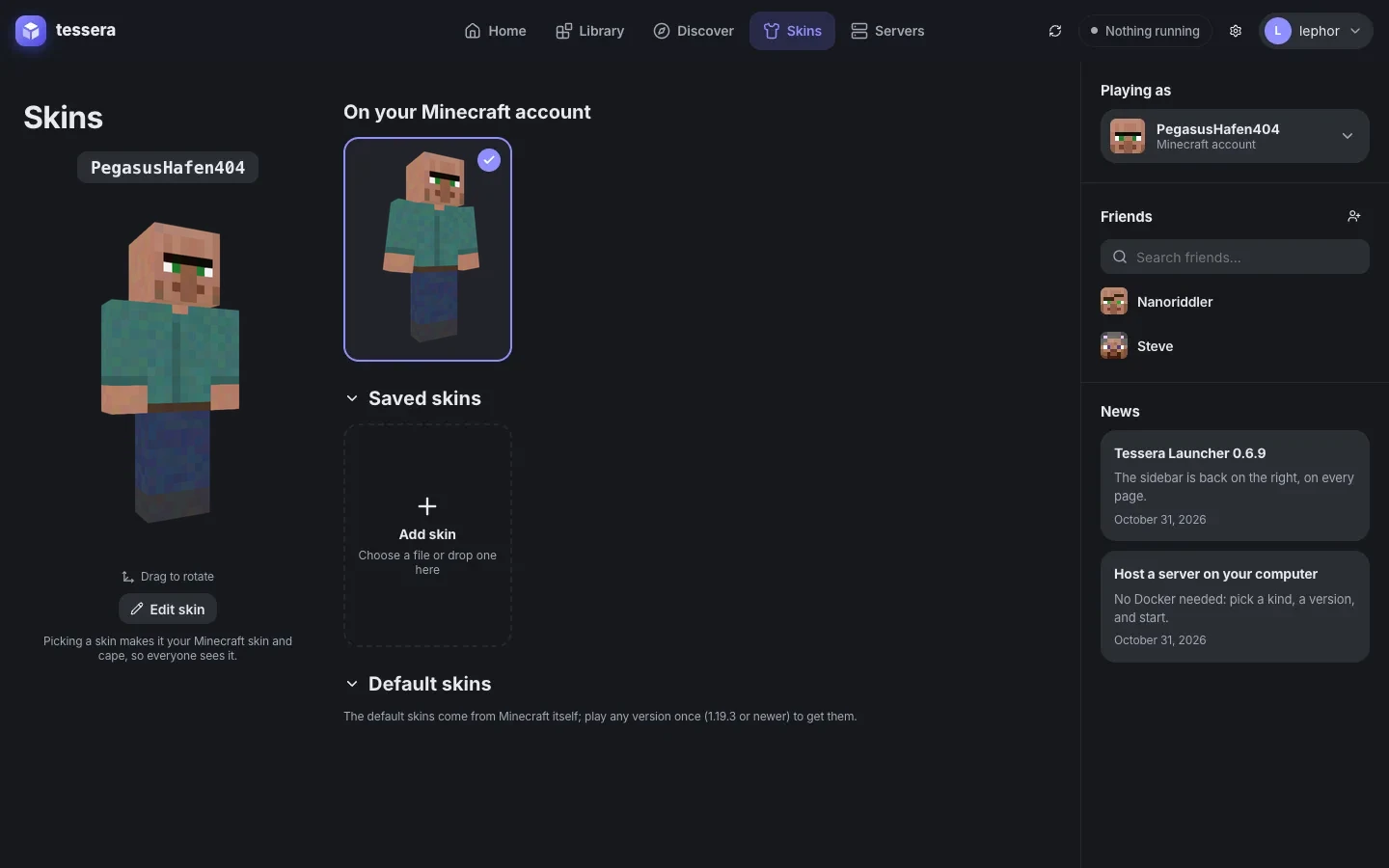
A skin library with groups and search, a 3D preview you can rotate, friends and news in the sidebar, and notifications when someone invites you to a pack.
How it’s built
- The app is Tauri v2 with a Rust backend and a Vue frontend. Rust does the heavy work: downloading and checking game files, installing loaders and Java, running the game and servers.
- Accounts and sharing run on Neon: Neon Auth for sign-in, and a small API as a Neon Function for friends, invites, shared packs and news.
- Updates: every release is built and signed by GitHub Actions for all three platforms, and the launcher only installs updates signed with its key. When a new version is out, the top bar shows Reload to update.
- Nightly: every push to
mainalso builds Tessera Launcher Nightly. It installs next to the normal launcher with its own look and data folder, so testing new features never touches your real instances.
Download
Get the newest version for your system on tesseralauncher.com/download or from GitHub Releases. On Linux, one command asks for your distribution and installs the right package:
curl -fsSL https://raw.githubusercontent.com/lephorx/Tessera-Launcher/main/scripts/install-linux.sh | shThe builds aren’t signed with an Apple or Microsoft certificate yet. On macOS, right-click the app and choose Open the first time; on Windows, choose More info, then Run anyway.
Tessera is not an official Minecraft product and is not associated with Mojang or Microsoft.