L Blog
CSCM is now Tessera new name, new look, same servers
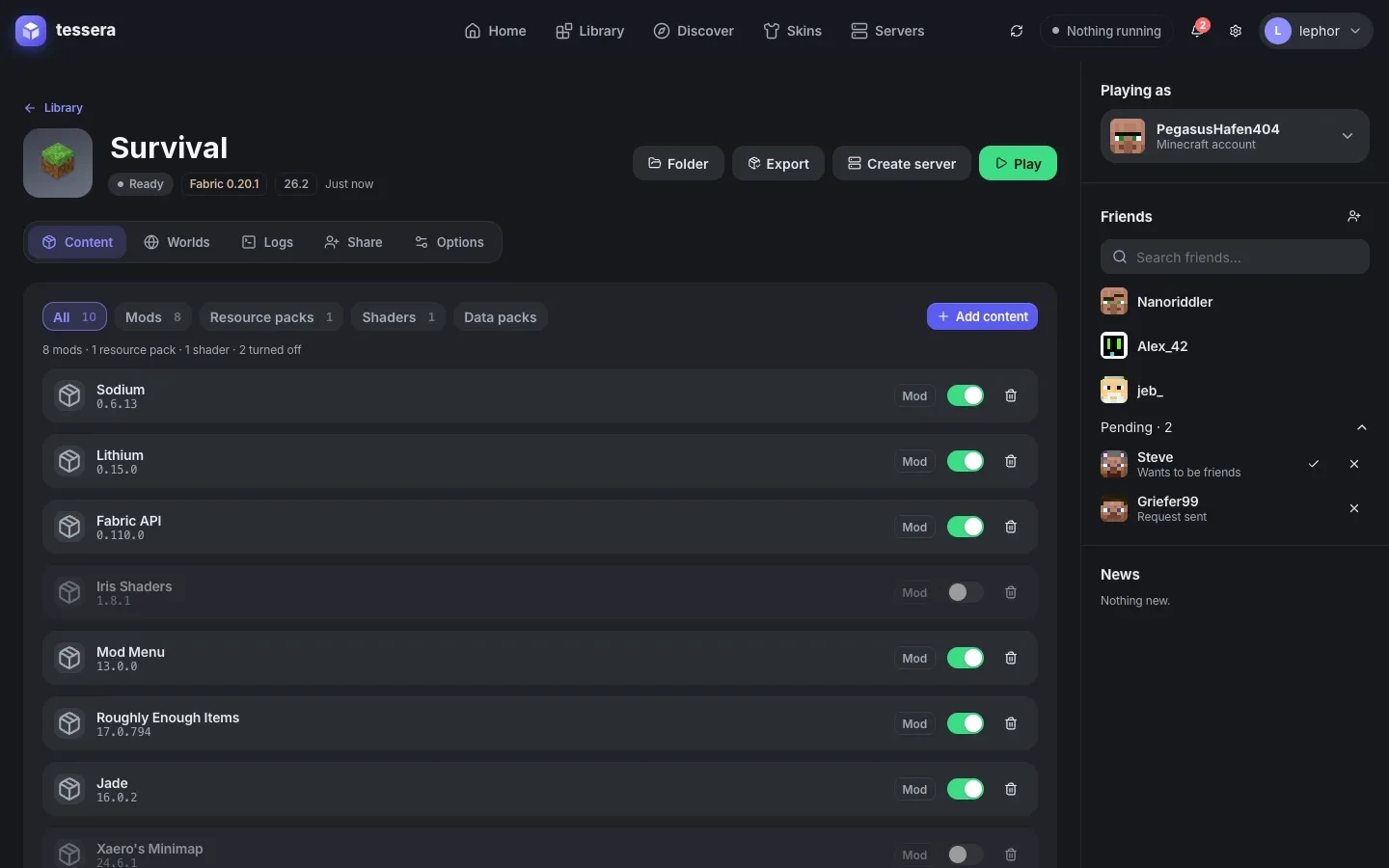
My self-hosted Minecraft server dashboard has a new name, a cube logo and a modern design, and it now works together with Tessera Launcher.
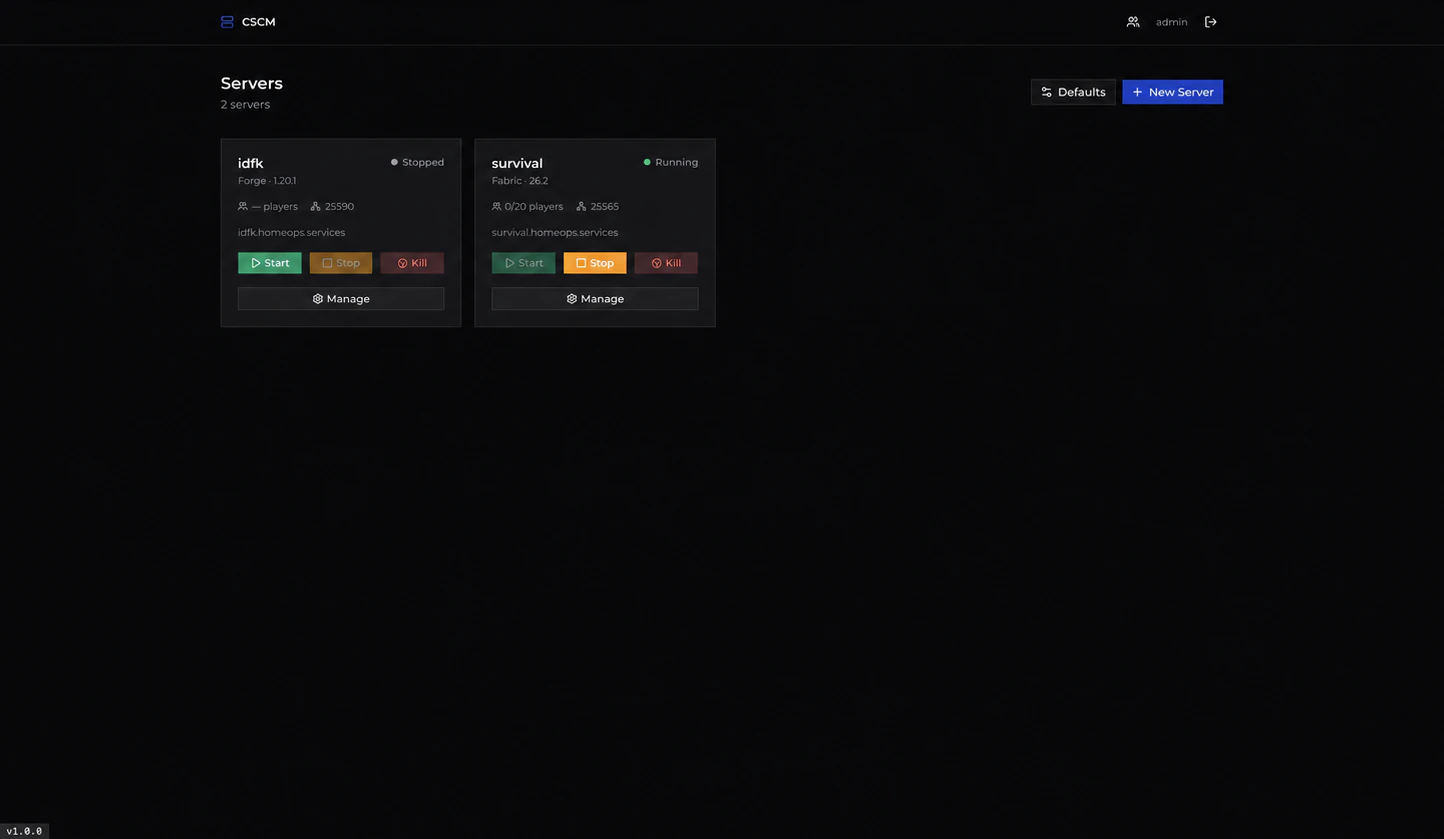
CSCM, my self-hosted dashboard for Minecraft servers, has a new name: Tessera. It’s the same app that creates your servers, keeps their backups and gives them public Playit addresses, with a new logo, a new design, and a bigger plan behind it.
Why a new name
CSCM was a working title that stuck. It didn’t say anything, and nobody could remember what the letters stood for. The app is also about to stop being on its own: it’s becoming one half of a pair, with Tessera Launcher (tesseralauncher.com) as the other half. The launcher is where you play, the server manager is where your servers run, and one name for both makes that obvious.
A tessera is one of the small tiles a mosaic is made of. That’s the idea: small pieces (your instances, your mods, your servers, your friends) that fit together into one picture. The logo is a cube built from three tiles.

The new look
Along with the name, the dashboard got a new modern design: rounded cards, an indigo accent instead of blue, smoother page and tab transitions and more tactile buttons. The server page was reworked after Modrinth’s server panel, with the address, CPU, memory and players at the top and the console, files, stats, players, properties, backups and settings in tabs below.
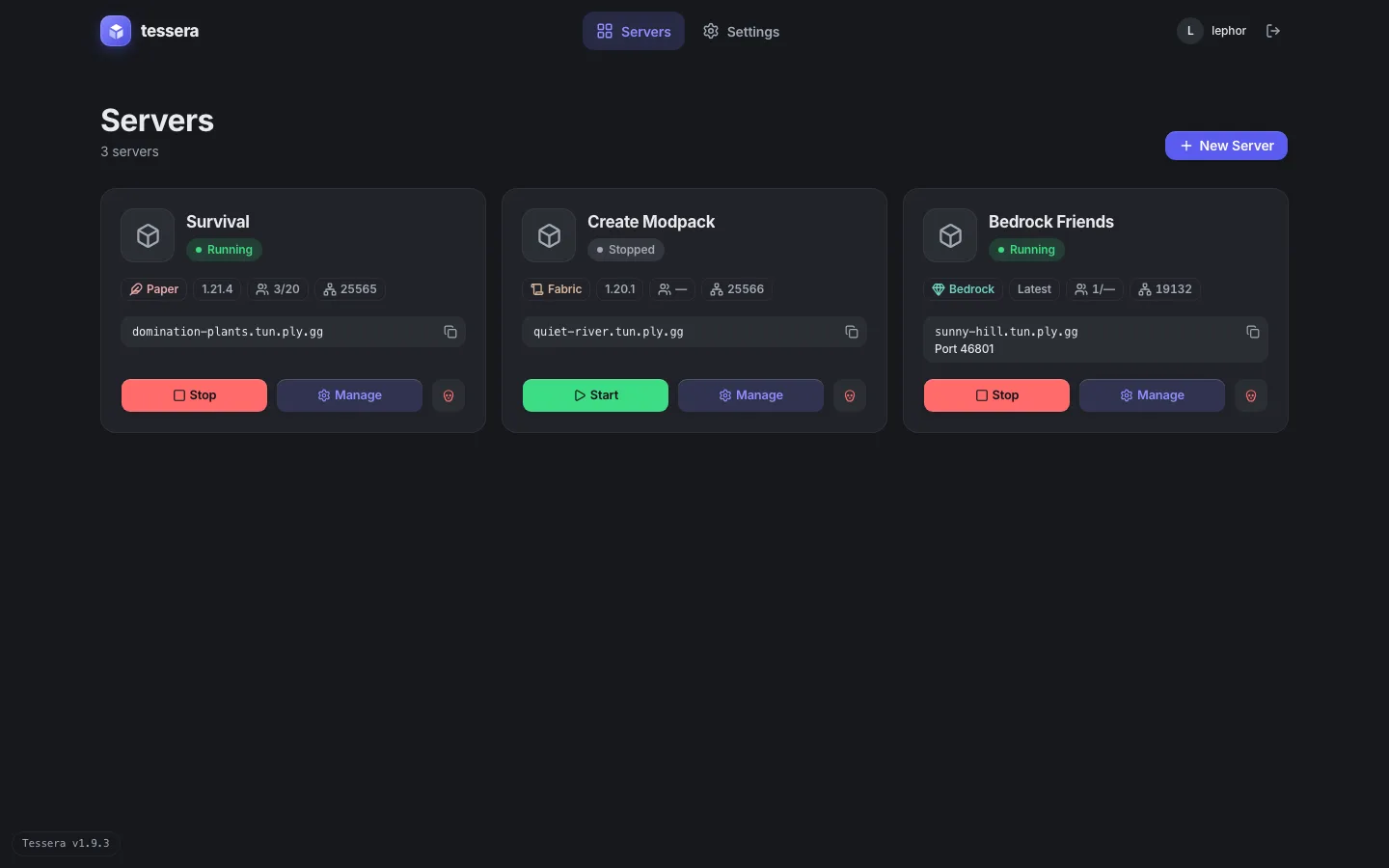
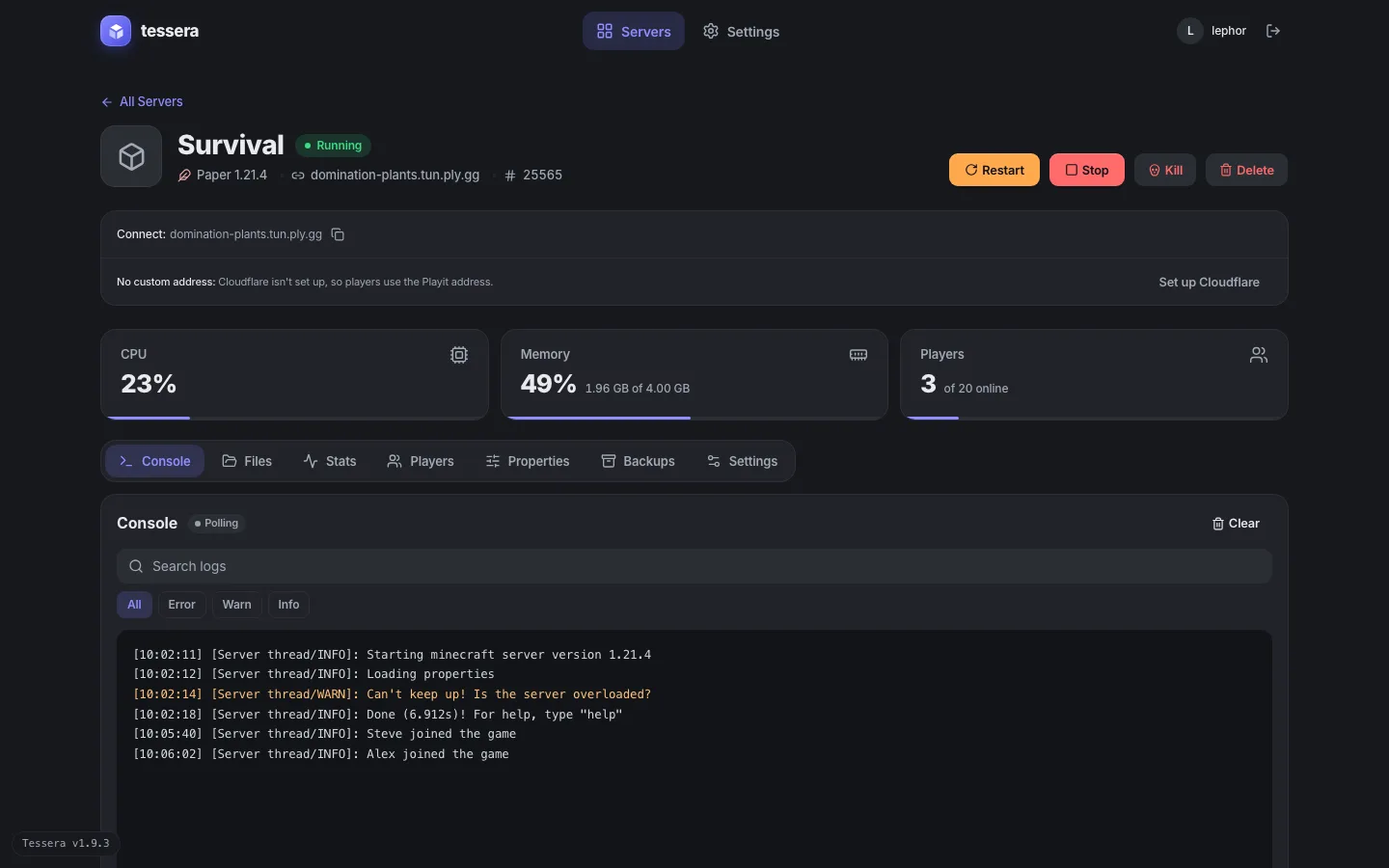
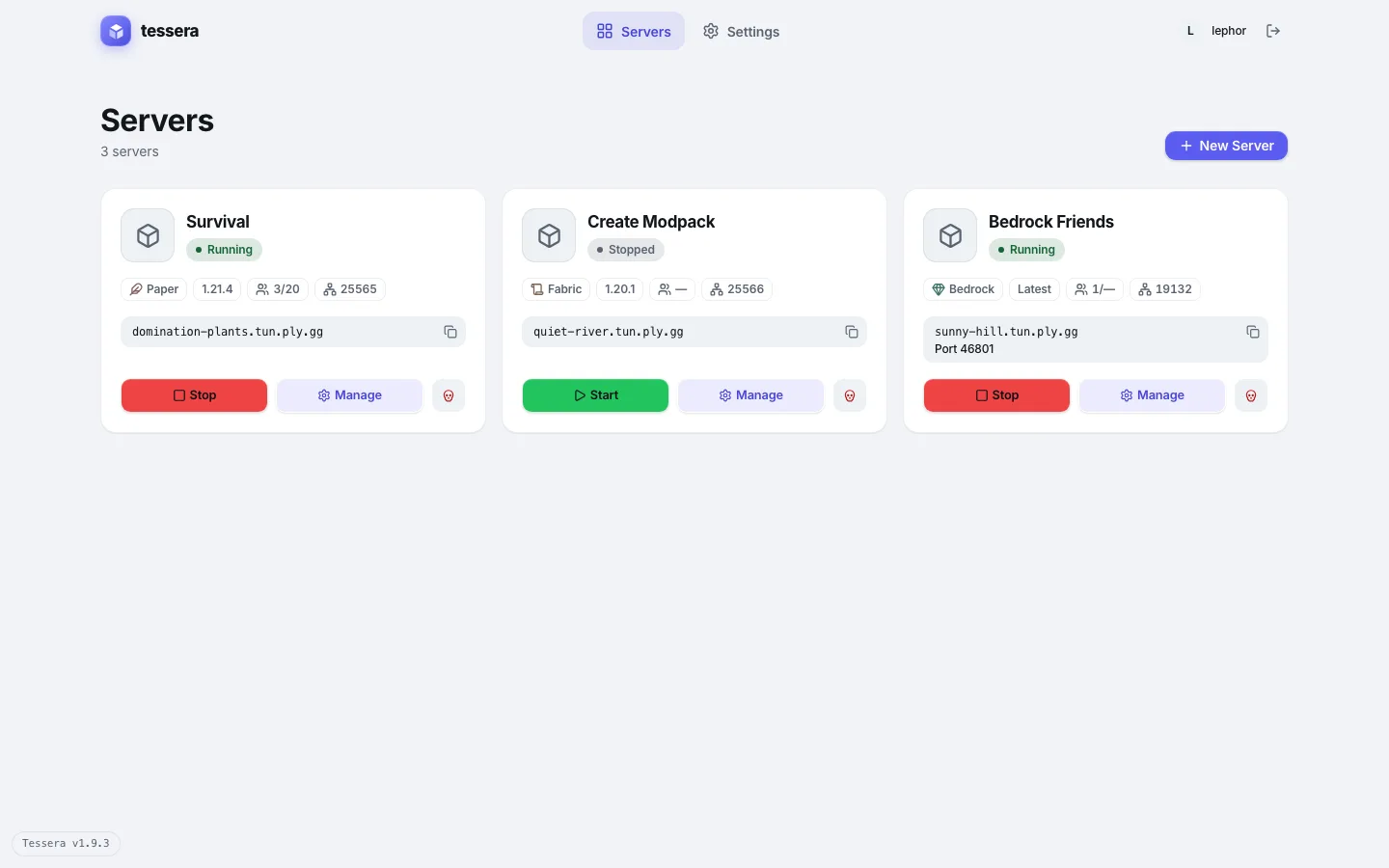
It follows your device’s light or dark mode, and if you liked the old CSCM look, the classic design is still there in the settings.
Servers from the launcher
The first thing the two halves do together: a modpack from Tessera Launcher becomes a server in a few clicks. The launcher sends the instance’s server-side mods to your Tessera machine, and when you change the pack, the server takes the newer version. You and your friends join with the same mods, and nobody has to copy files around.
What happens to your CSCM installation
Nothing breaks. The repository moved from lephorx/CSCM to lephorx/Tessera, and updates already point there, so the Update banner in your dashboard brings you the new name and look like any other update. Settings, folders and the install location keep their CSCM names on purpose (~/cscm, .env, the database), so your servers, worlds and backups stay exactly where they are.
The guides moved too: everything is now in the Tessera wiki, and the old links forward there. To install it fresh, run:
curl -fsSL https://lephor.com/tessera/install.sh | shThe old lephor.com/cscm/install.sh command still works and gets you the same installer. The installation guide has the steps for macOS, Linux and Windows.
Tessera is open source on GitHub, and I’m building it together with Nanoriddler.